Maximize your productivity by collaborating with ChatGPT while engaging in other activities, such as walking or doing chores. This approach allows you to brainstorm, solve problems, and refine ideas without being tethered to a screen.
- Step 1: Insert an earbud into your ear to keep the conversation private and hands-free.
- Step 2: Open the ChatGPT app on your smartphone.
- Step 3: Tap the headphone icon to activate the voice input feature.
- Step 4: Speak your question or topic directly into the app.
- Step 5: Listen as ChatGPT processes your input and provides a response, facilitating a dynamic back-and-forth conversation.
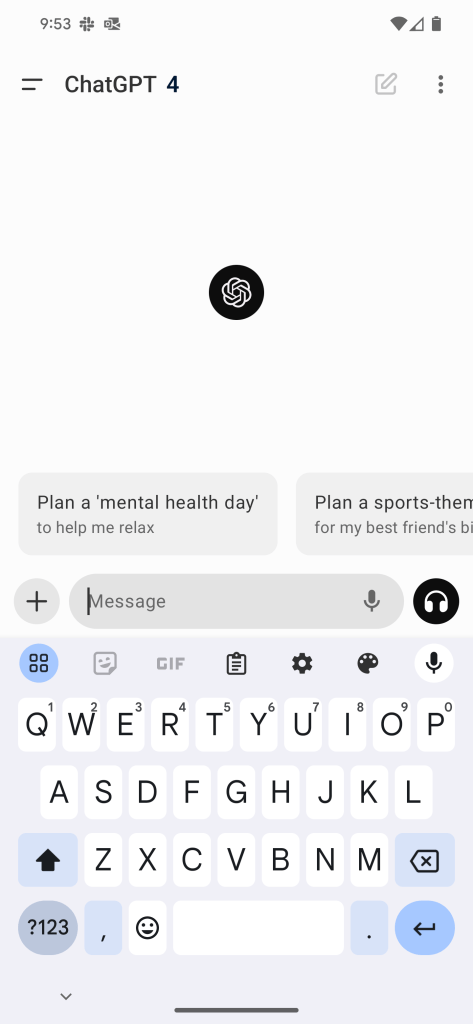
Elevating Ideas
By integrating ChatGPT into your multitasking routine, you engage in a productive dialogue that enhances your initial ideas. This hands-free interaction not only makes efficient use of your time but also stimulates creativity, ensuring you come away with refined solutions and insights.
 GuestEx.io
Leave a comment